OG Image Generator
OG Image Generator — runs in your browser. Inputs are not stored.
OG image generator
1200×630 canvas (Open Graph / social sharing)
Enter values, then press Calculate.
How to use
- Choose background color and text color. The default is white text on a dark background.
- Enter a title (max 80 characters) and subtitle (max 120 characters).
- Press Preview to draw on a 1200×630 canvas. Opening the page may already draw the default copy.
- When the share card looks right, save with Download PNG.
- To change the copy, edit the text and preview again, or press Reset.
Key concepts
The OG image generator quickly makes Open Graph images for KakaoTalk, Facebook, and Slack link previews. Size is fixed at the recommended 1200×630. There is no logo upload or font-file picker—only background color and two lines of text. The canvas renders in the browser only.
Put the URL of this PNG on your site into the og:image meta tag. Long titles may clip, so keep core words only. Twitter large cards often use the same ratio. If you need a photo background, design it elsewhere and use this screen for text-style cards.
Example
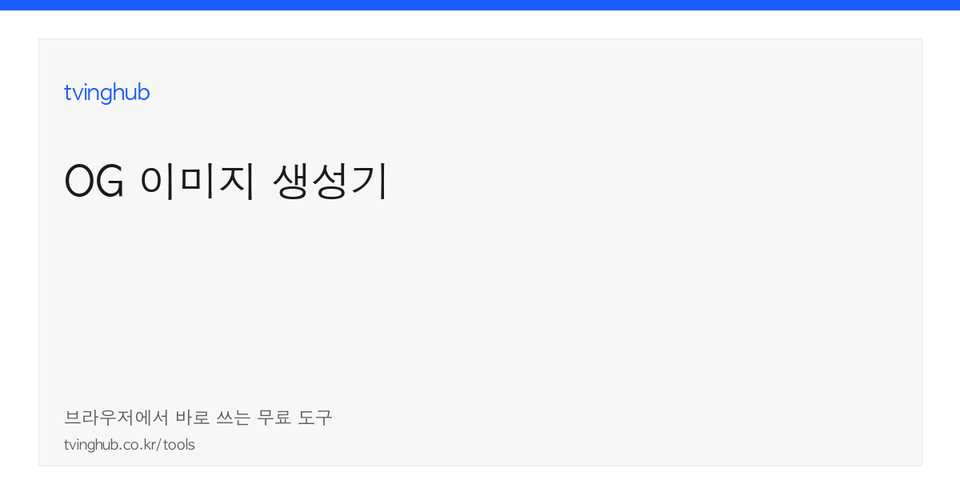
Put the post title in Title, the site name in Subtitle, and press Preview for a dark card with white type. Host the PNG on a static path and fill og:image in a meta-tag generator to connect share previews. Keep the title short enough for one line and put the site or date in the subtitle so the card is readable. Low contrast buries type in messenger thumbnails—check contrast in Preview. Some platforms blank the card if the PNG URL is not https. When retrying the same inputs, reset first so old output is not mixed in. On a shared computer, clear the fields when you finish so the original text is not left on screen. Closing the tab drops the values; you do not need to send a delete request to a server. Button names and field labels match the tool at the top of the page, so you can follow the copy as you go.
Related: Favicon generator · Meme maker
Frequently asked questions
Is OG image size fixed?
Yes. It is 1200×630, a common Open Graph recommended size.
Can I upload a logo image?
This version draws only background color plus title and subtitle text.
Is the PNG uploaded to the server automatically?
No. It is drawn in the browser and downloaded only. You deploy it yourself.
Is there a title character limit?
The fields cap title at 80 characters and subtitle at 120. Long sentences may appear clipped.
Can I use it for Twitter cards too?
The same PNG is often used as twitter:image. Choose the card type in your meta tags.
Does Korean text break in the font?
The browser’s default canvas font is used. Weight and clipping can differ by environment.
Last reviewed: 2026-09-04